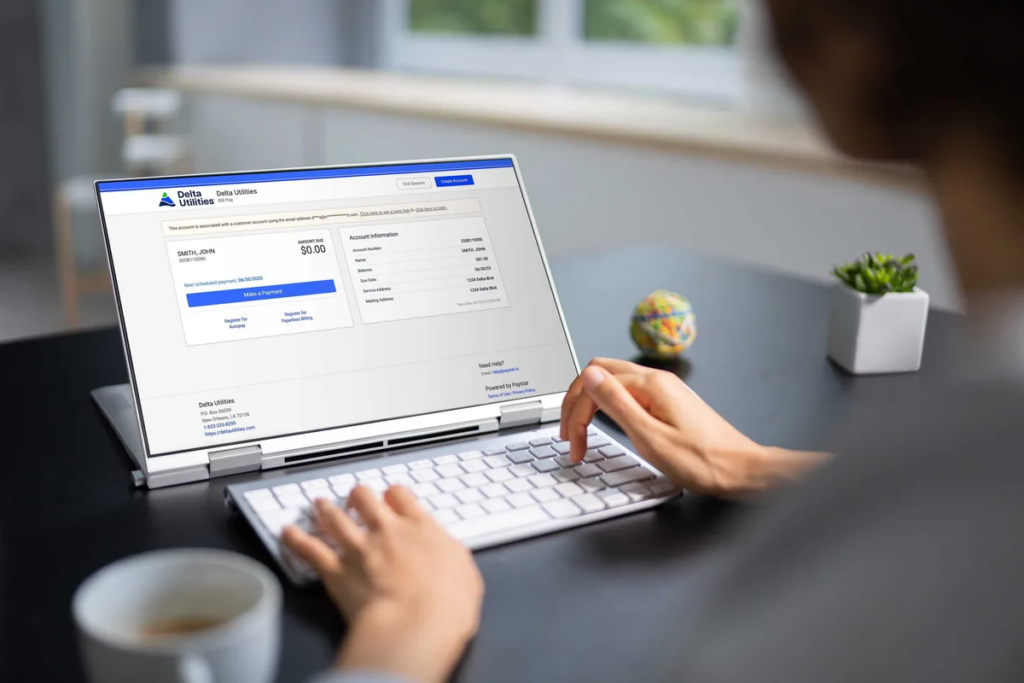
You can pay your Delta Utilities natural gas bill online through your myDU account, by phone, by mail, or in person at local payment centers, with no fees for ACH/eCheck or mailed checks and small percentage or flat fees for card payments.
https://deltautilities.com/sela/corporate/pay-your-bill
https://deltautilities.com/sela/residential/home
Online: Pay Through Your myDU Account
Delta’s primary way to handle a deltautilities.com pay bill task is through its secure myDU online account.
- Where to log in:
- What you can do online:
Payment methods and fees online:
- ACH/eCheck (bank account):
- Credit or debit card:
- $1.75 fee for bills up to $500
- 2.25% fee of the amount paid for bills over $500
If you want fee‑free online payments, link a checking or savings account and use ACH instead of a card.
AutoPay: Automatic Monthly Payments
To avoid manual payments and late fees, Delta Utilities lets you enroll in AutoPay through your myDU account.
- How AutoPay works:
- AutoPay funding options:
AutoPay is a good choice if you want your gas bill paid automatically on time without logging in every month, but using a bank account instead of a card keeps it fee‑free.
Pay by Phone
If you prefer to pay by phone or need help with your account, you can call Delta Utilities customer service.
- Phone number:
- 1‑833‑DELTA‑99 (1‑833‑335‑8299) for billing questions and payments.
- Payment methods by phone:
Phone payment fees:
- ACH/eCheck by phone:
- Credit/debit card by phone:
- $1.75 fee for payments up to $500
- 2.25% fee of the transaction total for payments over $500
If you’re okay using a bank account, paying by phone via ACH is fee‑free, but card payments carry the same fee structure as online payments.
Pay in Person: Local Payment Centers and Care Centers
Delta Utilities supports in‑person payments in two main ways: third‑party payment centers and Delta customer care centers.
Third‑party payment locations
- You can pay your bill at various third‑party payment centers that partner with Delta, often branded as QuickPay or similar.
- These locations usually accept cash, check, or money order.
- Delta does not charge a fee for cash/check/money orders themselves, but third‑party centers may add their own convenience fee, which Delta does not control.
Posting time:
- Payments made at third‑party locations can take up to three business days to post to your Delta Utilities account, so don’t wait until the last minute.
Delta customer care centers
Delta also operates Customer Care Centers in its Louisiana service territory where you can get in‑person help and pay your bill.
- Locations include New Orleans, Covington, Bogalusa and other regional offices listed on transition and assistance pages.
- At care centers, you can typically pay by cash, check, or money order without a Delta‑imposed processing fee.
Check the Pay in Person page and your bill for specific addresses and hours before you visit.
Pay by Mail
If you want to mail a traditional payment:
- Mailing address:Delta Utilities
P.O. Box 672087
Dallas, TX 75267‑2087 - How to mail correctly:
- Include the Payment Stub that comes with your monthly bill.
- Write your Delta Utilities account number on your check or money order.
There are no payment fees for traditional check payments made by mail, but you should mail early enough for delivery and processing before the due date.
Payment Assistance and DU Cares
If you’re struggling to pay your gas bill, Delta urges customers to reach out early, rather than waiting for a final notice or disconnection.
- The Payment Assistance page lists programs and referrals that may be available in your area, including income‑based assistance and payment arrangements.
- Delta also partners with United Way of Southeast Louisiana on the DU Cares program, which can provide up to $250 in bill assistance once per year, subject to funding and eligibility.
For more details, you can call 1‑833‑DELTA‑99 or visit a local Delta office listed on the assistance pages.
Payment FAQs
Does Delta Utilities accept in‑person payments?
Yes. Delta accepts in‑person payments at third‑party payment centers and Delta Customer Care Centers, where you can pay with cash, check, or money order. Delta itself doesn’t charge a processing fee for these payment types, but third‑party locations may add their own convenience fees and payments can take up to three business days to post.
Where can I pay my Delta Utilities bill?
You can pay your Delta Utilities bill:
- Online through your myDU account with ACH, credit, or debit card.
- By phone at 1‑833‑DELTA‑99, using card or eCheck.
- In person at QuickPay‑style third‑party centers or Delta Customer Care Centers in locations like New Orleans, Covington, and Bogalusa.
- By mail to P.O. Box 672087, Dallas, TX 75267‑2087.
What payment options and fees does Delta Utilities offer?
Delta offers:
- ACH/eCheck (online or phone): No fee.
- Credit/debit card (online, phone, AutoPay): $1.75 fee for bills up to $500, and 2.25% of the amount paid for bills over $500.
- Cash, check, money order in person or by mail: No Delta‑imposed fee; third‑party locations may charge their own fee, and mail simply costs standard postage.