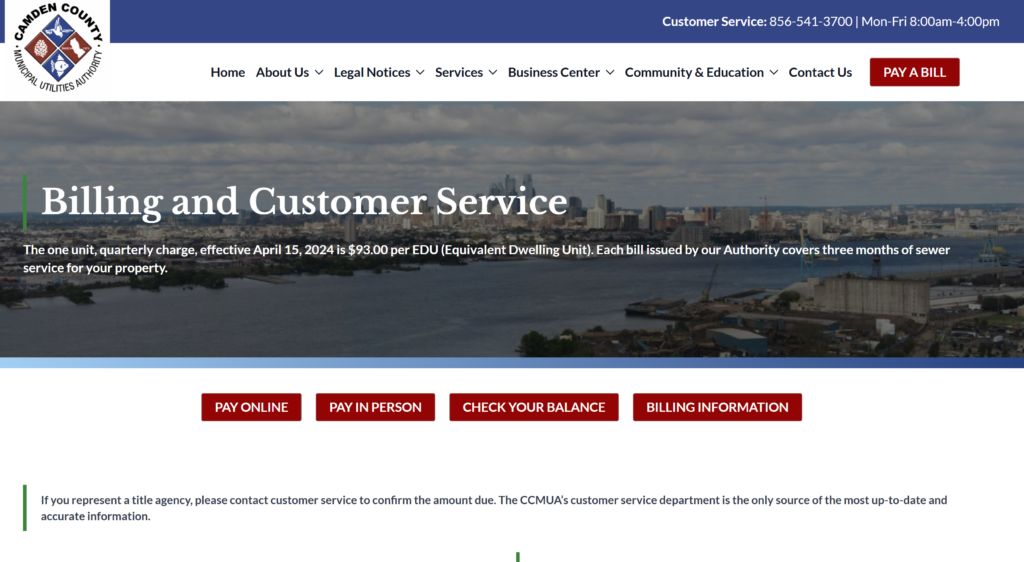
Pay your Camden County Municipal Utilities Authority (CCMUA) bill quickly and securely using the official one-time payment portal. No account registration or login is required — simply enter your account number and zip code from your bill.
One-Time Payment Portal (Guest Pay – No Login Needed) https://collectpay.princetonecom.com/otp/loadFullHostLogin.do?id=571928 Instant one-time payment using your bank account or limited debit cards. Have your most recent bill ready.
Official CCMUA Billing & Pay Resources https://www.ccmua.org/billing-and-customer-service/ Access the latest payment instructions, find your account balance, and view all official pay options.
How to Pay Your CCMUA Bill
The Camden County Municipal Utilities Authority (CCMUA) provides regional wastewater and sewer services for Camden County, New Jersey. Payments are processed through the official one-time payment system.
Guest Pay / One-Time Payment (No Login Required)
Use the official One-Time Payment portal above. Enter your 9-digit account number and zip code exactly as shown on your billing statement. Payments are accepted from bank checking/savings accounts and a limited number of debit cards (no credit cards).
Login to Pay / New Portal
There is no full My Account login portal or recurring payment dashboard. All online payments are handled through the secure one-time guest payment system.
Pay by Phone
Call the automated payment line at 1-800-966-7995 (available 24/7). Have your account number and bank information ready.
Payment Address (Mail)
Camden County MUA PO Box 1105 Bellmawr, NJ 08099-5105
Include your account number on the check or money order.
In-Person or Pay in Store
Pay in person (cash accepted) at the CCMUA Administration Building: 1645 Ferry Avenue Camden, NJ 08104 Monday–Friday, 8:00 a.m. – 4:00 p.m.
Contact CCMUA
- Customer Service: 856-541-3700 (Mon–Fri 8:00 a.m. – 4:00 p.m.)
- Pay by Phone: 1-800-966-7995
- Email: [email protected]
- Official Website: ccmua.org
Mobile App & Payment Assistant
No dedicated mobile app exists. The official payment portal is mobile-friendly and works on any smartphone or tablet.
Fees and Late Payments
- Convenience Fee: $1.75 per online or phone payment (paid directly to the processor).
- Pay by the due date on your bill to avoid late charges and possible collection activity.
Frequently Asked Questions
How do I pay my CCMUA bill online?
Use the official One-Time Payment portal and enter your account number and zip code from your bill.
Can I make a guest payment for my CCMUA bill?
Yes. The portal allows quick one-time payments without creating an account or logging in.
What is the phone number for CCMUA bill pay?
Automated payments: 1-800-966-7995. Customer service: 856-541-3700.
Where do I mail my CCMUA payment?
Send payments to PO Box 1105, Bellmawr, NJ 08099-5105.
How do I set up Auto Pay for my CCMUA bill?
AutoPay is not currently available online. Contact customer service at 856-541-3700 to discuss payment plan options.
Is there a mobile app for CCMUA bill pay?
No dedicated mobile app is available. Use the responsive web portal on your phone.
How do I avoid late fees on my CCMUA bill?
Pay by the due date using the one-time portal, phone, mail, or in person to avoid late charges.