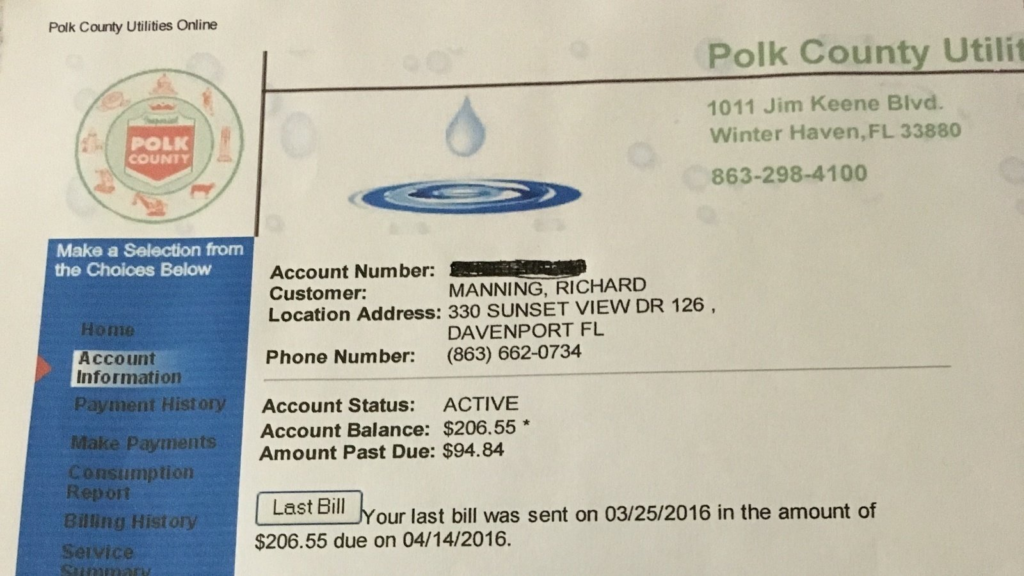
Polk County Utilities (Polk County, Florida) provides water, wastewater, and related utility services. Customers can conveniently make a Polk County Utilities bill pay online through the secure Customer Portal. The portal supports both full account login and quick payments.
Quick Pay Links:
How to Make a Polk County Utilities Bill Payment
Online Payment via Customer Portal
- Visit the official Bill Pay Portal: https://billpay.polkutilities.net/app/login.jsp
- New users: Register using your account number and other details from your bill.
- Returning users: Sign in to access your account.
- Once logged in, you can view bills, make payments, schedule AutoPay (bank draft or credit card), and download past statements.
The portal provides 24-hour access to your account details and multiple payment options.
Guest / One-Time Payment
The portal is primarily account-based. For the fastest one-time payment, register quickly using your account number or use any guest-style options shown on the login page.
Pay by Phone
Call the automated payment system or customer service (phone numbers listed on your bill or the official ways-to-pay page). Credit/debit card payments are accepted (convenience fees may apply).
In-Person / Pay in Store
Visit the Polk County Payment Center or authorized locations. Cash, check, money order, and cards are typically accepted. Confirm current locations and hours on the official site.
Mailing Address: Use the remittance address printed on your Polk County Utilities bill statement.
Mobile Access
There is no dedicated mobile app. Use your smartphone browser to access the Bill Pay Portal for convenient Polk County Utilities bill pay online on the go.
Payment Methods and Fees
- Bank Account (ACH / e-check): Preferred low-cost option.
- Credit/Debit Card: Accepted with a convenience fee (shown before payment).
- AutoPay: Available for recurring bank draft or credit card payments — recommended to avoid late fees.
- Cash, check, or money order accepted in person or by mail.
Late Payments: Pay on time to avoid penalties. Contact customer service for payment arrangements if needed.
Contact Information
- Customer Service / Billing: Check the official website for current phone numbers (varies by service).
- Website: polkfl.gov/services/utilities
- Payment Portal: billpay.polkutilities.net
FAQs
How do I make a Polk County Utilities bill pay online?
Visit billpay.polkutilities.net/app/login.jsp, register or log in with your account number, and complete your payment securely.
Is there a guest pay option for Polk County Utilities bills?
The portal is mainly account-based, but new users can register quickly using their account details for fast payments.
What payment methods are accepted?
Credit/debit cards, bank account (ACH), cash, check, or money order. AutoPay is available for recurring payments.
Can I pay my Polk County Utilities bill by phone?
Yes. Use the automated system or speak with a representative (numbers listed on your bill or the official site).
Where can I pay in person?
At the Polk County Payment Center or authorized locations. Confirm current details on polkfl.gov.
How can I avoid late fees?
Enroll in AutoPay through the Customer Portal and pay on time each month.
Tip: Keep your Polk County Utilities account number handy for faster service. Register for the Customer Portal to view bills, set up AutoPay, and go paperless. For billing questions, service issues, or payment arrangements, contact Polk County Utilities customer service. For the most current information, fees, and payment options, visit the official Polk County website at polkfl.gov/services/utilities.