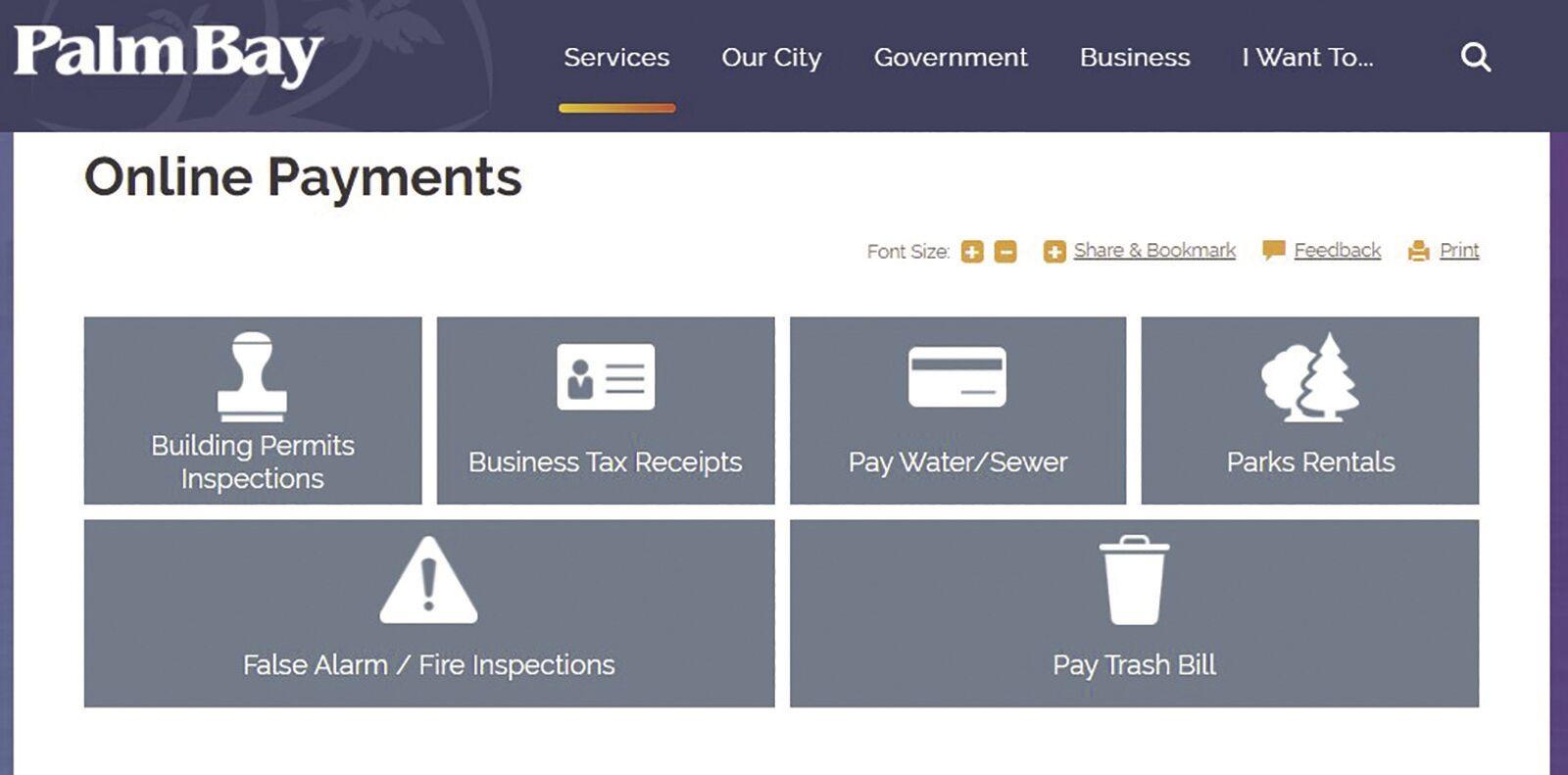
The City of Palm Bay Utilities provides water, sewer, and related services to residents. Customers can view balances, make payments, and manage accounts through the official Invoice Cloud portal, by phone, by mail, or in person. One-time payments are available without creating an account.
- palmbayfl.gov/government/city-departments-a-to-e/customer-service/billing-and-payments/ways-to-pay — Official City of Palm Bay page listing all payment methods, office hours, mailing address, drop box locations, and online account instructions.
- invoicecloud.com/cityofpalmbayfl — Official Invoice Cloud portal for one-time payments (no registration required), account registration, AutoPay enrollment, paperless billing, and bill viewing.
One-Time / Guest Online Payment
No registration is required for a one-time payment. Go to the Invoice Cloud portal, select One Time Pay, and enter your utility account number along with payment details. Accepted methods include Visa, Mastercard, Discover, and electronic check (ACH). American Express is not accepted on the portal.
Effective June 22, 2026, a processing fee applies: 3.5% (or a $2.95 minimum) on credit and debit card payments, and a flat $1.95 fee on electronic check (ACH) payments. Payments by mailed check, money order, or in-person cash/check avoid these electronic processing fees. Save your confirmation after submitting.
Pay by Phone
Call the automated payment line at (321) 733-3069 or (321) 952-3420 and select option #1. Follow the prompts to pay by credit card. Have your account number ready. An additional IVR line at (855) 945-3660 is also listed for 24/7 payments on the Invoice Cloud portal. Customer service representatives are available during business hours at (321) 952-3420.
Pay by Mail
Mail a check or money order (do not send cash) with the bottom portion of your bill. Allow at least 7 days for processing. Include your account number if the stub is not attached to avoid delays.
Payment Mailing Address
PO Box 30325
Tampa, FL 33630-3325
Pay In Person and Drop Boxes
Walk-in payments are accepted at the City Hall Annex Building (Utilities Customer Care). Cash is accepted in person only. Bring your payment stub.
Utilities Customer Care
City Hall Annex Building
120 Malabar Road SE
Palm Bay, FL 32907
Hours
Monday–Wednesday: 8:00 a.m. to 5:00 p.m.
Thursday: 9:30 a.m. to 5:00 p.m.
Friday: 8:00 a.m. to 5:00 p.m.
Drop Boxes (check or money order with payment stub only; do not leave cash)
- In front of City Hall – 120 Malabar Road SE (processed the following business day)
- Next to the Palm Bay Community Center – 1502 Port Malabar Blvd. NE (processed within 3–5 business days)
Automatic Bank Draft and Account Management
Automatic bank draft is available. Contact Customer Care for the Direct Debit form, complete it, and mail it with a voided check to the office address above. After 12 months of uninterrupted drafting, an $18 annual credit is applied. Once enrolled, bills display “Bank Draft – Do Not Pay.”
Register an online account on the Invoice Cloud portal using your account number and cycle/route number (found on the bill) to view consumption history, set up AutoPay or paperless billing, schedule payments, and receive email or text reminders. Paperless billing is available after registration.
Contact Information
- Utilities Customer Care: (321) 952-3420
- Automated Payments: (321) 733-3069 or (855) 945-3660
- After-Hours Water/Sewer Emergency: (321) 952-3478
- Email: [email protected]
- Fax: (321) 727-0693
Always use the official palmbayfl.gov website and Invoice Cloud portal for payments. Third-party sites are not affiliated with the City of Palm Bay.
Frequently Asked Questions
How do I pay my Palm Bay Utilities bill online without registering?
Visit the Invoice Cloud portal at invoicecloud.com/cityofpalmbayfl, select One Time Pay, enter your account number, and complete the payment by card or ACH. A processing fee applies to electronic payments.
What phone number do I call to pay my Palm Bay utility bill?
Call (321) 733-3069 or (321) 952-3420 and select option #1 for automated credit card payments. Customer service is available at (321) 952-3420 during business hours.
Where do I mail my Palm Bay Utilities payment?
Mail your check or money order (no cash) with the payment stub to PO Box 30325, Tampa, FL 33630-3325. Allow 7 days for processing.
Can I pay my Palm Bay Utilities bill in person?
Yes. Pay at the City Hall Annex Building, 120 Malabar Road SE, Palm Bay, FL 32907, during posted office hours. Cash, check, or card may be accepted. Drop boxes are also available for checks or money orders.
Is there a fee for paying online?
Yes, effective June 22, 2026: 3.5% (or $2.95 minimum) on credit/debit cards and $1.95 on electronic checks. Mailed checks and in-person payments avoid these fees.
How do I set up automatic payments?
Contact Customer Care at (321) 952-3420 for the automatic bank draft form, or register on the Invoice Cloud portal to enroll in AutoPay.