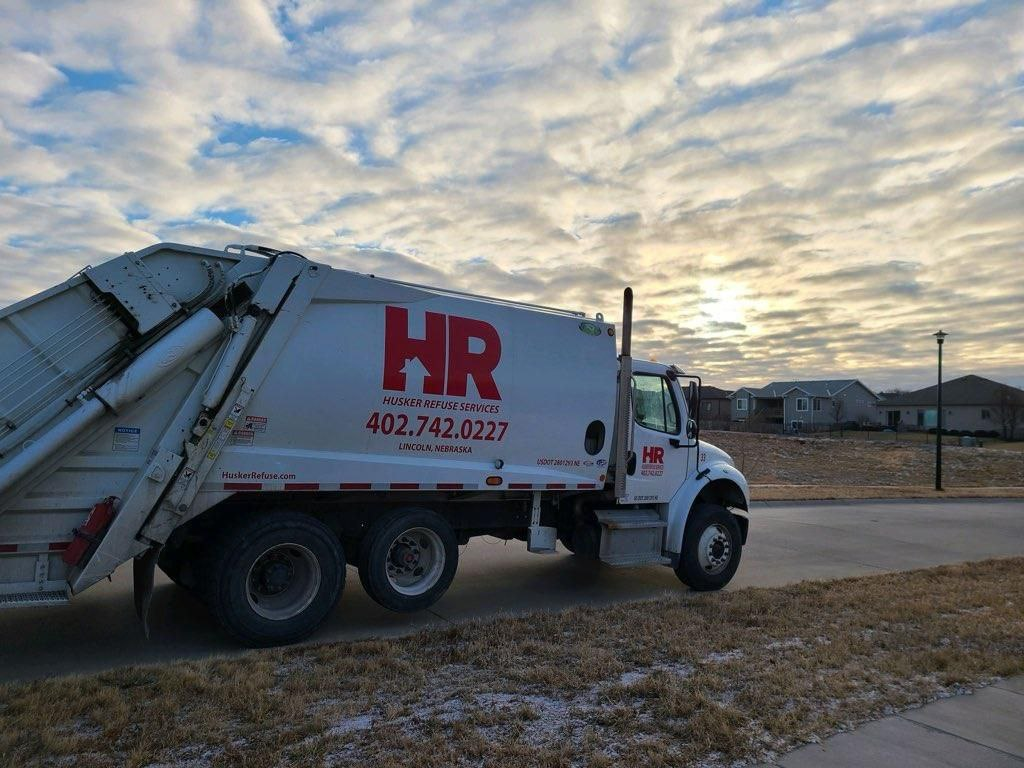
Pay your Husker Refuse bill quickly and securely through the official Soft-Pak online portal. Register once using your customer number and access code from your statement to manage payments, view invoices, and set up recurring payments.
Online Bill Pay Portal (Sign In / Register) https://secure.soft-pak.com/webpakhr/signin.jsp Login or register with your customer number and access code printed on your bill or statement.
Husker Refuse Pay Page https://huskerrefuse.com/pay/ Official entry point to the secure Soft-Pak bill pay system for all Husker Refuse customers.
How to Pay Your Husker Refuse Bill
Husker Refuse Services is a locally owned and operated trash, recycling, yard waste, and roll-off service provider serving Lincoln, Nebraska, and surrounding areas. All online payments are processed through the secure Soft-Pak portal.
Guest Pay / One-Time Payment (No Login Required)
Husker Refuse does not offer a public guest or one-time payment option. All online payments require registration or login to your account.
Login to Pay / New Portal
Register or sign in at the official Soft-Pak portal above. First-time users need your customer number and access code (found on your billing statement). Your initial web password is typically the last four digits of the phone number on your account.
Pay by Phone
Call (402) 742-0227 during office hours. You can make one-time payments or set up recurring automatic payments with your credit/debit card.
Payment Address (Mail)
Mail checks or money orders to the exact remittance address printed on your billing statement. Always include your account number for proper credit.
In-Person or Pay in Store
Pay in person at the Husker Refuse office: 7650 N. 56th St. Lincoln, NE 68514 (Office hours: 9:00 a.m. – 4:00 p.m. Monday–Thursday, 9:00 a.m. – 3:00 p.m. Friday)
Contact Husker Refuse
- Customer Service / Payments: (402) 742-0227
- Email: [email protected]
- Office Address: 7650 N. 56th St., Lincoln, NE 68514
Mobile App & Payment Assistant
No dedicated mobile app is available. The Soft-Pak portal is fully responsive and works on any smartphone or tablet.
Fees and Late Payments
- No convenience fees for online or phone payments.
- Pay by the due date on your statement to avoid late fees or service interruption. Contact the office directly for any specific late payment policies.
Frequently Asked Questions
How do I pay my Husker Refuse bill online?
Register or log in at the official Soft-Pak portal using the customer number and access code on your billing statement.
Can I make a guest payment for my Husker Refuse bill?
No. A guest/one-time payment option is not currently available. You must register for an online account.
What is the phone number for Husker Refuse bill pay assistance?
Call (402) 742-0227 during office hours.
Where do I mail my Husker Refuse payment?
Use the exact remittance address and account number printed on your monthly billing statement.
How do I set up Auto Pay for my Husker Refuse bill?
Call (402) 742-0227 with your credit or debit card information to establish recurring automatic payments (processed on the last Friday of the month before due).
Is there a mobile app for Husker Refuse bill pay?
No dedicated mobile app is available. Use the responsive Soft-Pak web portal on your phone or tablet.
How do I avoid late fees on my Husker Refuse bill?
Pay by the due date using the online portal, phone, mail, or in person to avoid late fees and service issues.