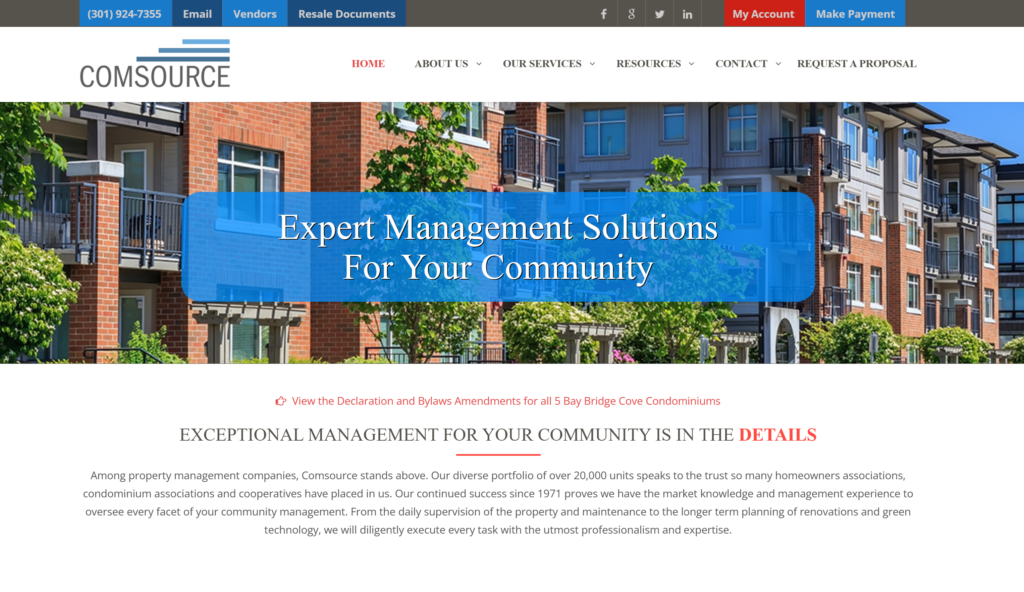
Pay your Comsource Management HOA or condo assessment quickly and securely through the official online portal or other convenient methods. View your real-time account status 24/7 and avoid late fees with timely payments.
- Make a Payment – Comsource Online (Access the secure payment portal or My Account for online assessment payments)
- My Account – Resident Login (Register or log in to view account status, pay assessments, and manage your community account)
How to Pay Your Comsource HOA Assessment
Comsource Management is a full-service community association management company serving HOAs, condominiums, and homeowner associations in Maryland, Washington DC, and Northern Virginia. They handle collection of monthly or periodic assessments (dues) that cover community operations such as maintenance, utilities, insurance, and more.
Login to Pay or Guest Pay
Comsource provides an online payment portal (often powered by a third-party system like TownSq or similar) where homeowners can:
- Make online assessment payments with credit card or electronic check
- View real-time account status 24/7
A full My Account login allows registered residents to access payment history, association documents, rules, and more. Guest/one-time payment options are typically available through the secure payment link on the website.
Pay by Phone
Call the main office at (301) 924-7355 for payment assistance and billing questions.
Office hours: Monday–Friday, 8:30 a.m. – 5:00 p.m. ET.
After-hours emergencies: Call the main number and follow prompts for the 24-hour answering service.
Payment Address (Mail)
Mail checks or money orders with the payment coupon to the remittance address provided by Comsource or on your coupon book/statement. Payments can also be sent via your bank’s bill pay service.
In-Person or Pay in Store
Payments can be made directly at the Comsource management office if permitted by your association’s policy. There are no widespread retail “pay in store” partners. Contact your community manager for specific instructions.
Mobile App & Payment Assistant
The resident portal is mobile-responsive, allowing you to make payments and view your account from your smartphone or tablet. No dedicated standalone mobile app is required.
Recommended options:
- Authorize direct debit (ACH) from your bank account (often free and automatic)
- Set up recurring payments for convenience
Fees and Late Payments
- Payment methods: Direct debit (ACH), bank bill pay, check/money order with coupon, or credit card (credit card may incur a convenience fee depending on the portal).
- Late payments follow your association’s governing documents and collection policy. Late fees, interest, or collection actions may apply as outlined in the rules and regulations.
- Contact your community manager promptly if you need a payment arrangement.
Contact Comsource Management
- Main Phone: (301) 924-7355
- Email: [email protected]
- Physical Address: 3414 Morningwood Drive, Olney, MD 20832
- Official Website: www.comsource.com
- Make a Payment / My Account: Available directly on the homepage
Frequently Asked Questions
How do I pay my Comsource HOA assessment online?
Visit comsource.com and use the “Make a Payment” or “My Account” link. You can pay with credit card or electronic check through the secure portal.
What payment methods does Comsource accept for assessments?
You can pay via direct debit (ACH) from your bank account, your bank’s bill pay service, check or money order with a coupon, or credit card (subject to any processing fees).
Can I set up automatic payments with Comsource?
Yes. Authorize direct debit (ACH) for automatic monthly withdrawals from your checking or savings account. This is one of the most convenient and reliable options.
What happens if my HOA assessment payment is late?
Late payments are handled according to your association’s governing documents and collection policy. Late fees or further actions may apply. Contact your community manager early to discuss options.
Is there a mobile app for Comsource HOA payments?
The resident portal works well on mobile browsers. You can view your account and make payments directly from your phone.
Where do I mail my Comsource assessment payment?
Use the remittance address and payment coupon provided by Comsource. You can also use your bank’s bill pay service for mailed checks.
How do I view my real-time account status?
Log in to the My Account portal on comsource.com to view your current balance, payment history, and association documents 24/7.
Who do I contact for Comsource HOA billing questions?
Call (301) 924-7355 during business hours or email [email protected]. Your specific community manager can also assist with account questions.
Information updated as of April 2026 from official Comsource Management sources. Always verify the latest payment links, fees, and policies directly on comsource.com or by contacting your community manager, as options may vary by association.