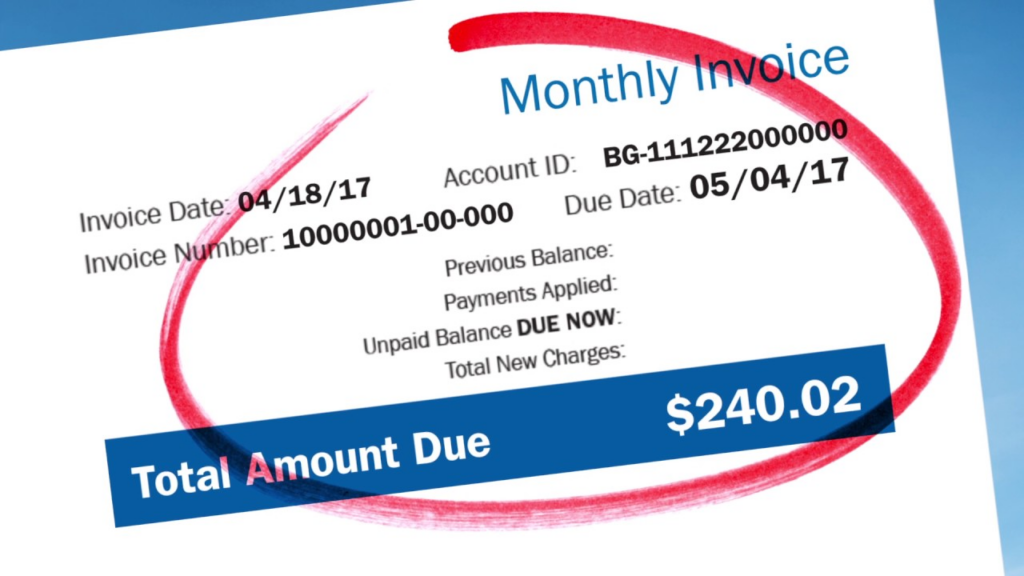
Pay your Constellation Energy residential bill online through My Constellation (with or without logging in), by phone, or by mail.
Pay your Constellation residential bill online
Online Bill Pay (My Constellation & Guest Pay)
Constellation’s My Constellation portal is the main way to view and pay your bill.
- From the Residential Payment Options page, click through to My Constellation.
- After you sign in or create an account, you can:
- Make a one‑time payment by credit/debit card or bank account (ACH)
- Set up recurring Autopay
- View billing and payment history and usage tools
If you prefer not to log in, use the guest / one‑time payment link.
- Enter your customer number and email address, then follow the prompts to pay securely for that billing cycle.
Autopay (Recurring Payments)
You can have your bill paid automatically each month.
- In My Constellation, open the My Bill / Payments section and select Enroll in Auto Pay.
- Choose an existing card or bank account, or add a new payment method.
- Once enrolled, Constellation will draft the full bill amount on your due date (or next business day) every month.
You can change or cancel Autopay from the same section at any time.
Pay by Phone
Constellation provides different phone numbers depending on where you live.
Residential customer service & payments:
- Texas (electric): 888‑900‑7052, Mon–Fri 7 a.m.–8 p.m. CST, Sat 8 a.m.–5 p.m. CST.
- Georgia (natural gas): 877‑677‑4355, Mon–Fri 8 a.m.–6 p.m. EST.
- Other states (residential): 855‑465‑1244, Mon–Fri 8 a.m.–8 p.m. EST.
You can call these numbers to:
- Make a one‑time payment by card
- Ask about your balance, due date, or bill details
- Get help with online access or Autopay setup
Pay by Mail
You can still pay by mailing a check or money order.
- Mailing address for payments:
Constellation
P.O. Box 5471
Carol Stream, IL 60197‑5471
Write your Constellation account or customer number on your check or money order, and mail it several days before the due date so it arrives and posts on time.
Constellation Energy Bill Pay FAQs
How do I pay my Constellation bill online?
Go to the Residential Payment Options page and click My Constellation. Sign in or create an account to pay from your bank account or card, or use the guest one‑time payment link with your customer number and email.
What phone number do I call to pay my bill?
Call 888‑900‑7052 if you’re in Texas, 877‑677‑4355 if you’re in Georgia, or 855‑465‑1244 in other areas to make a one‑time phone payment and get billing support.