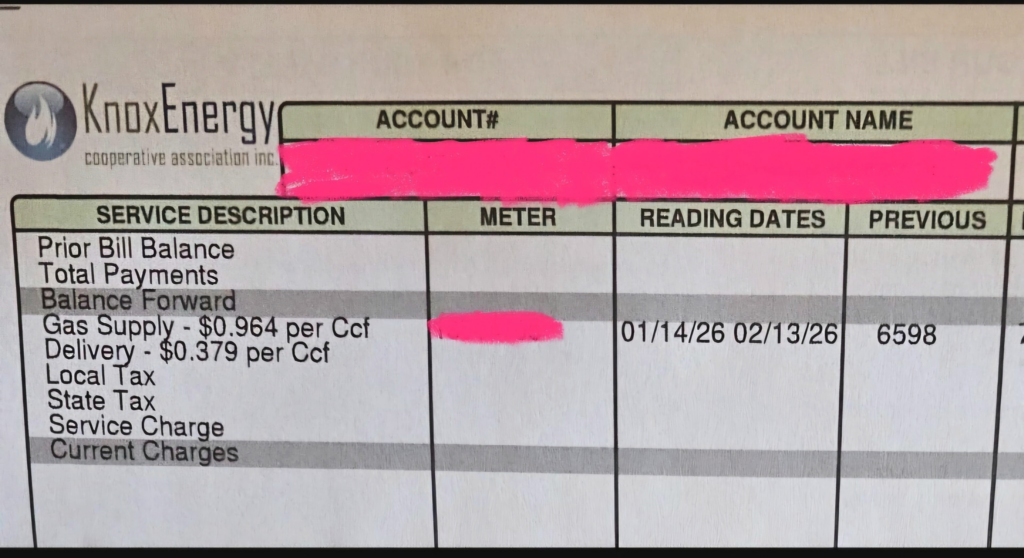
Pay your Knox Energy natural gas bill quickly and securely through the official EvokePay portal. Manage your cooperative account, view usage, and set up payments with ease.
- Pay Knox Energy Bill Online – EvokePay Portal (Login or register for secure payments and account management)
- Knox Energy Customer Service & Payments – Call for assistance with billing and new service
How to Pay Your Knox Energy Bill
Knox Energy Cooperative Association, Inc. (managed by Utility Pipeline, LTD) provides natural gas service to residential, agricultural, and commercial customers in parts of Ohio (including Holmes, Stark, Wayne, Coshocton, and Tuscarawas counties) and western Pennsylvania. Payments must be made only through official channels to avoid scams.
Login to Pay or Guest Pay
Use the official EvokePay portal at evokepay.com/knoxenergy to:
- Log in to your account
- View your bill and payment history
- Make one-time or recurring payments
- Enroll in Auto Pay (payment assistant)
Registration is required for full access. One-time payments are available after logging in or creating an account. No standalone guest pay without account setup.
Access: EvokePay Knox Energy Login
Pay by Phone
Call the Knox Customer Service Center: 1-888-863-0032
This line handles billing questions, payments, and assistance. For 24-hour emergency service (gas leaks/outages): 1-888-784-6160
Payment Address (Mail)
Mail checks or money orders to:
Knox Energy Cooperative Association
P.O. Box 35519
Canton, OH 44735
Include your account number for proper crediting. Allow time for mail processing.
In-Person or Pay in Store
In-person payments are not widely available. Contact customer service for any local office options. Knox Energy does not partner with retail stores (such as convenience stores or big-box retailers) for “pay in store” payments. No widespread third-party retail locations are offered.
Knox Energy Mobile App & Payment Assistant
There is no dedicated Knox Energy mobile app. Use the responsive EvokePay portal on your mobile browser to pay bills, manage Auto Pay, and view account details. Set up automatic payments through the portal to avoid missing due dates.
Fees and Late Payments
- Payments through the official EvokePay portal and authorized methods generally have no additional convenience fees from Knox Energy (third-party processor fees may apply depending on method).
- Late payment charges apply if payment is not received by the due date (details in your bill or rules and regulations).
- Non-payment can lead to service disconnection. Knox Energy accepts payments from state/federal assistance programs such as HEAP.
- A one-time $25 co-op membership fee may appear on your first bill when starting new service.
Contact Knox Energy
- Customer Service / Billing: 1-888-863-0032 (Mon–Fri, business hours)
- 24-Hour Emergency (Gas Leaks/Outages): 1-888-784-6160
- Mailing Address: P.O. Box 35519, Canton, OH 44735
- Utility Pipeline Office: 4100 Holiday St. NW, Suite 201, Canton, OH 44718
- Official Information: utilitypipelineltd.com/service-providers/knox-energy
Important: Only use EvokePay for online payments. Beware of scams — Utility Pipeline and Knox Energy do not use other third-party payment sites.
Frequently Asked Questions
How do I pay my Knox Energy bill online?
Log in or register at the official EvokePay portal: www.evokepay.com/knoxenergy/login. View your bill and submit payment securely using bank account or card.
Can I make a guest payment for my Knox Energy bill?
The EvokePay portal requires login or account registration for payments. One-time payments are available after setting up your account.
What is the phone number to pay my Knox Energy bill by phone?
Call customer service at 1-888-863-0032 for billing and payment assistance. For gas emergencies, use 1-888-784-6160 (24/7).
Where do I mail my Knox Energy payment?
Send payments to: Knox Energy Cooperative Association, P.O. Box 35519, Canton, OH 44735. Include your account number.
How do I set up Auto Pay for my Knox Energy bill?
Log in to the EvokePay portal, navigate to payment settings, and enroll in automatic recurring payments from your bank account.
Is there a mobile app for Knox Energy bill pay?
No dedicated app is currently available. Use the mobile-friendly EvokePay website on your phone to make payments and manage your account.
How do I avoid late fees on my Knox Energy bill?
Pay by the due date using the EvokePay portal, phone, or mail. Enroll in Auto Pay for the most reliable option and consider assistance programs if needed.
What happens if my Knox Energy payment is late?
Late charges may apply, and continued non-payment can result in service disconnection. Contact customer service promptly to discuss options or payment arrangements.
Information updated as of April 2026 from official Utility Pipeline and Knox Energy sources. Always verify details directly on utilitypipelineltd.com or evokepay.com/knoxenergy for the most current information. Use only authorized payment channels to avoid scams.